


There is something that I really like about the fast-changing world of education technology.
When I was a student, I missed out on a lot of cool opportunities and technologies.
But, I am happy that I have chosen a path where I can still write about it and spread the information to you guys!
So, I am going to discuss an important educational platform today. Well, I want to add a disclaimer that it is not conventional.
Yes, I am talking about Blooket. It has become a standout tool that mixes learning with fun and games.
It’s caught the interest of both teachers and students. Additionally, it provides a new way to strengthen knowledge.
In fact, you will also be able to enhance your skills through interactive play.
In this detailed guide, I’m going to explore everything Blooket has to offer.
So, I will be talking about its features and benefits.
Also, I will mention how you can use it to create engaging educational experiences.
What Is The Blooket Code?
Blooket is a fun and engaging online learning platform. The best part? It turns traditional quizzes into interactive games.
Tom Stewart invented Blooket in 2018. It has quickly become a favorite among teachers.
Additionally, all the students also like it for its ability to make studying enjoyable.
Educators can create their own question sets. In fact, they can choose from a variety of pre-made ones.
And guess what? You can use this in different game modes. The students can play solo or in competition with each other. Just be careful of the Blooket Bot!
But then, how to join a live game? For this, you will need a Blooket code. It is typically a five or six-digit sequence.
When a teacher sets up a game, they receive this code. Then, they share it with their students.
This allows them to easily connect. Additionally, this allows them to be flexible and play from anywhere.
How To Use The Blooket Code?
To join a live Blooket game, all you need is the game code that your host provides.
Here’s a straightforward guide to help you out:
Visit the Blooket Website
Start by heading over to the Blooket website. You’ll want to find the “Join Game” section.
You will find it easily. It is usually right at the top of the homepage.
It’s a user-friendly design. So you shouldn’t have any trouble navigating through it.
Enter the Code
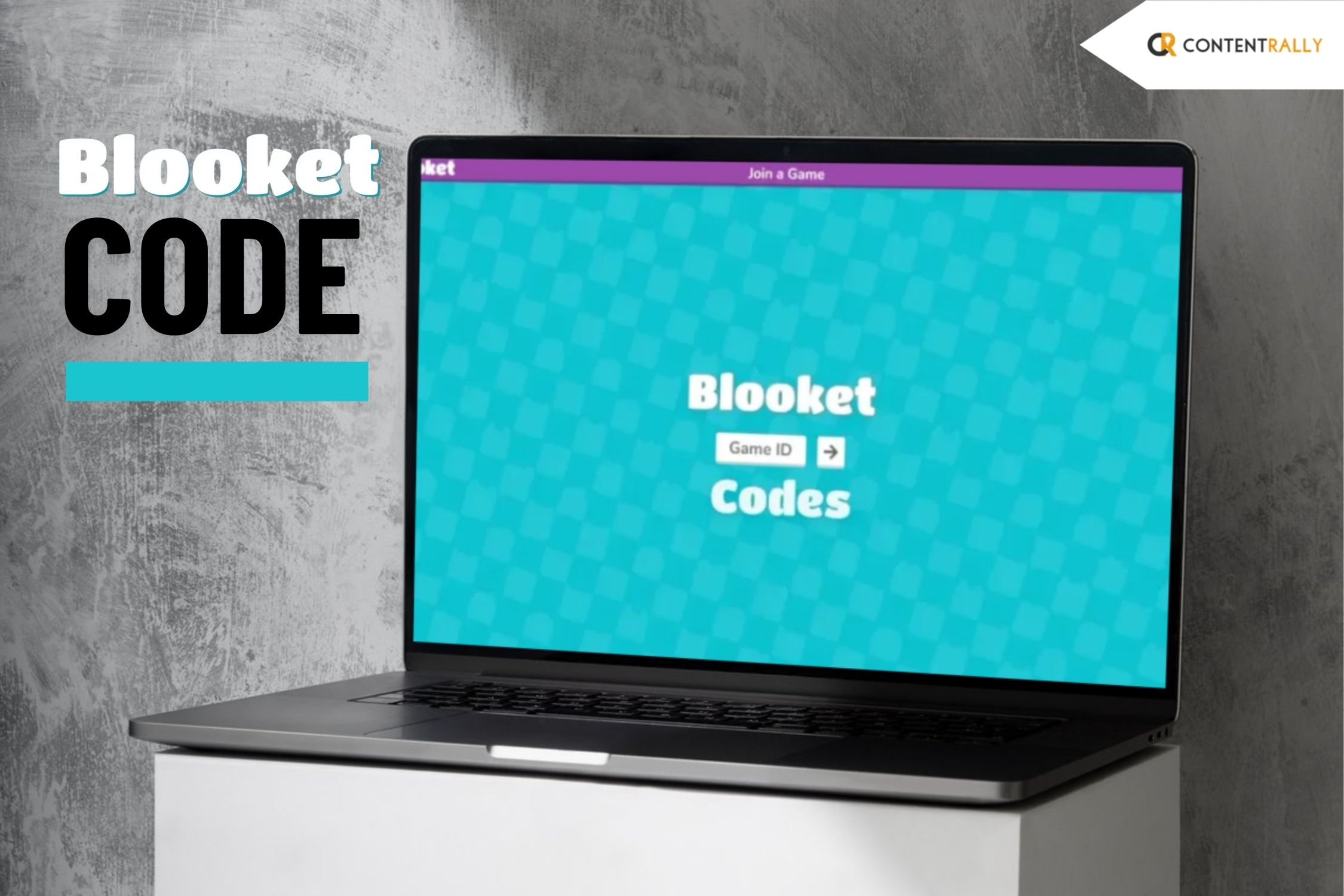
Once you land on the “Join Game” page, there’s a field labeled “Game ID.” This is where you’ll type in the code you received.
You can receive this code either from your teacher or the game host.
Double-check your entry to avoid typos; one small mistake could mean you can’t join the game at all!
Select Your Avatar (Blook)
After entering the code, you’ll likely get prompted to pick your avatar, or “Blook.”
Also, you must choose an avatar! It is part of the fun. So feel free to express yourself!
Some games even let you customize further, unlocking new avatars as you progress through different challenges.
Wait for the Game to Begin
Once you’re in, you’ll find yourself in the game’s lobby, just hanging out until the host starts the game.
It’s a great time to chat with other players or get ready for the excitement ahead.
The game kicks off when the teacher or host hits the start button, and you’ll soon see the questions on your screen.
Answer Questions
As the game unfolds, you’ll be faced with multiple-choice questions. Your mission is to choose the correct answer as quickly as you can.
Speed and accuracy are your best friends here, as the more points you rack up, the better your chances of coming out on top against your fellow players!
How Can You Generate A Blooket Code And Host A Game?
With this system, you can easily run live quiz sessions during class. Additionally, you can use this to set them as homework for your students.
They just need to enter a code to join the quiz. Just imagine how easy it is!
This is why it is receiving so much hype! It makes it simple to handle large groups.
For teachers or anyone hosting the game, getting started is a breeze:
Create or Choose a Question Set: You can come up with your own questions. Also, you can pick from the ready-made sets. You will find it available on the Blooket platform.
Select a Game Mode: By now, you will have your questions. Then, you can choose a game mode that fits your class best. It can be the Classic mode. A lot of people go with the Crypto Hack as well.
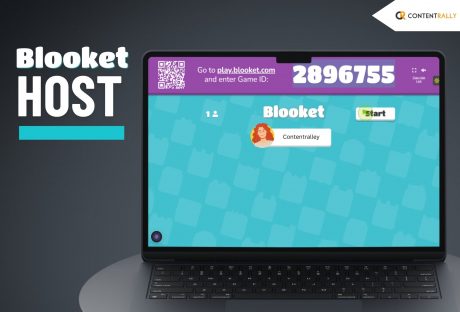
Host the Game: When you’re ready to go, hit the “Host” button. This will generate a unique game code.
Share the Code: Just give your students the code so they can jump right into the game!
How To Use The Blooket Code Correctly?
See, I know I told you that using Blooket codes is a breeze. But there are a few important tips to keep in mind:
Enter the Code Correctly:
It’s very, very important to have students type the code exactly as it a This is because they won’t be able to join the session.
Additionally, you must encourage them to double-check their entry before hitting “join.”
This is also very important as this simple step can save a lot of time.
Check Game Availability:
This step comes before the students attempt to join.
You need to ensure that the game is live. Codes can expire if the session has ended. Additionally, they can also expire if the game is paused.
What else can you do to avoid any confusion?
It’s a good idea to remind everyone to log in while the game is actively running.
This is also very important. This way, you can ensure a smooth experience for all.
Host Settings:
Now, let’s say you are the host. Read this section carefully, as it will be helpful to you.
You have the power to adjust various settings, such as the number of questions and time limits.
This allows you to tailor the game to fit your class’s needs. This makes it more engaging.
Additionally, you must consider whether you want to allow late joiners.
Well, you can also prefer to keep the game exclusive to those who were there from the start.
I will always suggest that you communicate these choices clearly can enhance the overall experience for everyone involved.
The Dynamics Of Blooket Code Explained
Blooket codes are essential for using the platform. This allows students to easily jump into quizzes.
Entering these codes is a straightforward process, so students can quickly join different game modes and enjoy interactive learning experiences.
The platform really boosts engagement. And for good reasons! I mean, who would’ve thought that you can now teach and learn through game-based learning?
I know I didn’t. Also, I like this platform a little more because it gives teachers a flexible way to review their work.
In fact, now they can use this to even reinforce what’s been taught in class.