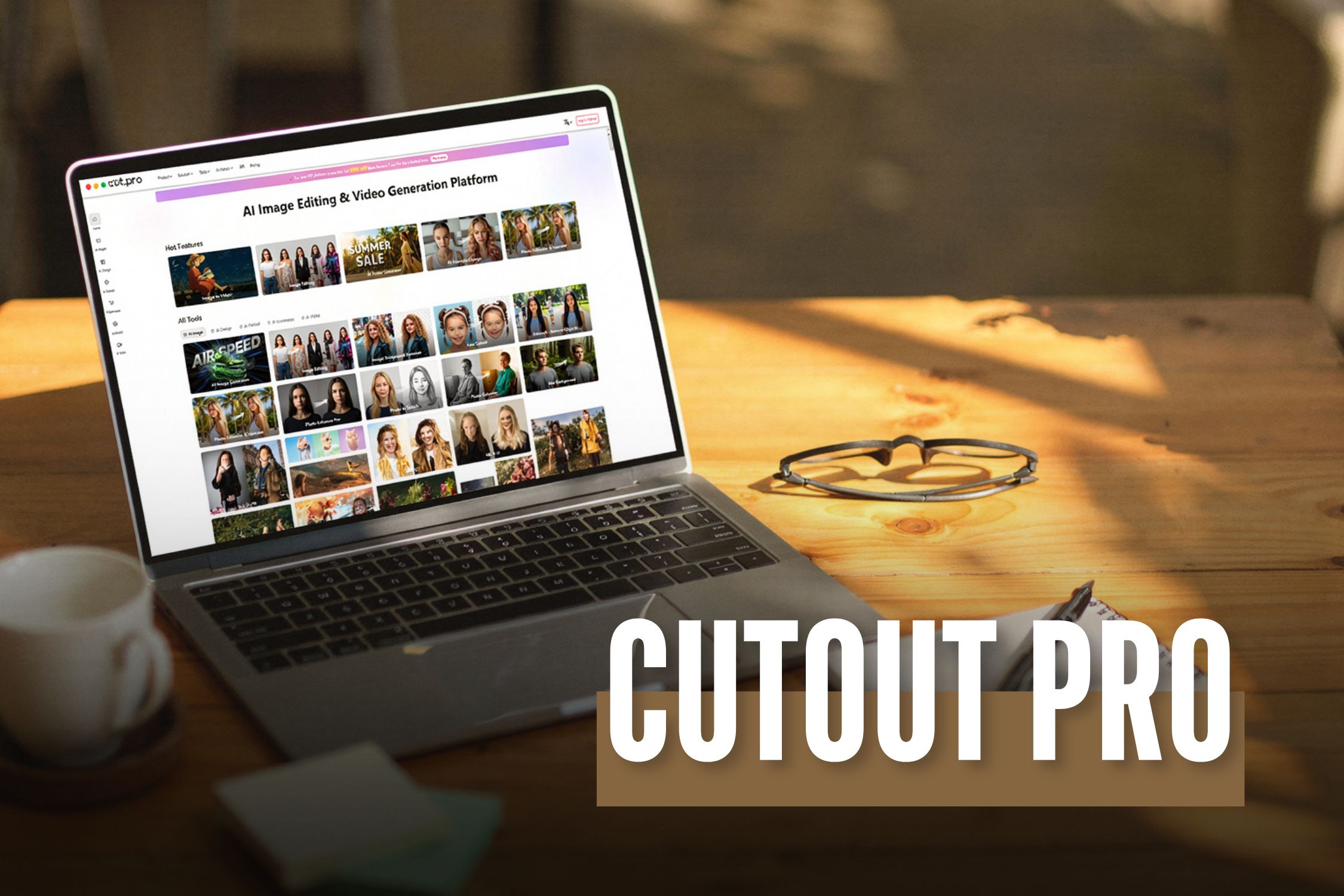
Before I go straight to the topic, I would like you to have a little content. I am sure we all know how much audience visually captivating content attracts.
There is no way to ignore this. It can be any sort of field, such as social media, blogs, or something else.
Your content needs to be visually appealing.
Of course, authenticity is important. So is value addition.
However, the viewers or readers aren't restricting themselves to these two parameters anymore.
Now, I would like to mention Cutout Pro here. It has successfully established itself as a reliable solution in the digital marketing world.
It has a lot of helpful features that can give you great results for your platform and make it look visually aesthetic with minimal effort.
In this guide, I will thoroughly discuss everything that you need to know about this platform.
Additionally, I will also talk about its features in detail.
What Is Cutout Pro?
To put it simply, Cutout Pro is an AI-driven platform that you can use for creating appealing visual designs.
It uses computer vision technology and AI for the efficient automation of video and photo editing tasks.
The LibAI team established this platform in 2018. Also, its headquarters are in Hong Kong, China.
In this platform, you will get access to various sorts of efficient tools for background removal and image enhancement.
Additionally, you will also get some particular tools that will help you with creating creative content.
What Are The Main Features Of This Platform?
The main features of this platform include:
- An efficient infrastructure that it 100% Cloud-driven. Also, its processing times are quick and effective.
- Additionally, it is highly accessible. You can get your hands on this through web browsers, iOS, and Android mobile apps.
- Also, it has a lot of capabilities for API integration. This is very important for all the developers out there.
- It can process a large volume of images and videos.
- It is reliable for a huge customer base. This means that thousands of businesses can depend on it.
- It significantly reduces your need for complicated software such as Adobe Photoshop.
What Are The Different Capabilities And Uses Of Cutout Pro?
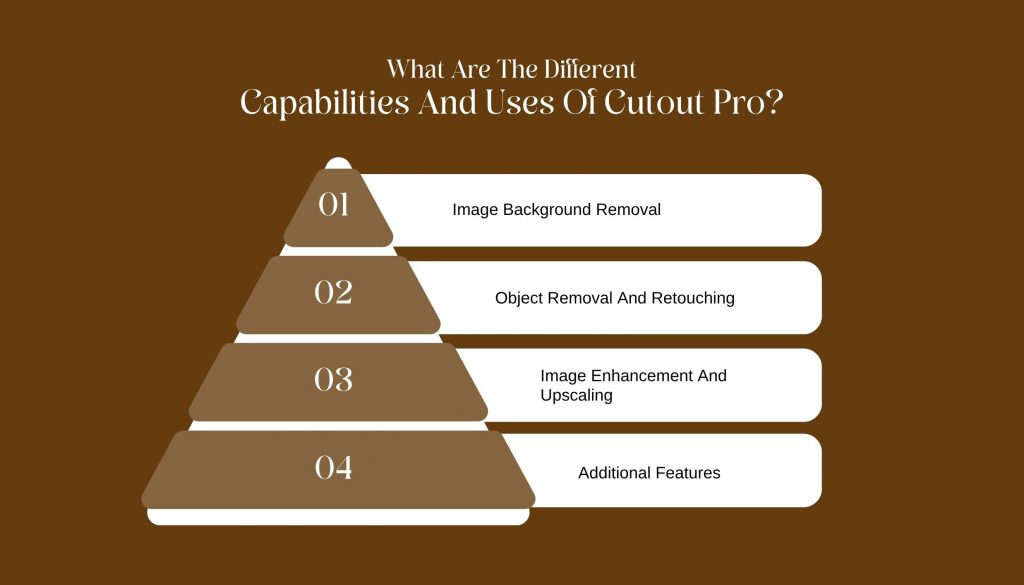
Now that we have a fair idea about this platform, let’s take a look at its various capabilities. This will let us know what we can use it for:
1. Image Background Removal
Cutout Pro makes it easy to remove backgrounds from images.
This feature is great for creating clean photos for online stores, marketing, and social media.
The software uses smart technology to quickly identify the background and separate it from the main subject, letting you remove backgrounds with just a few clicks.
2. Object Removal And Retouching
Cutout Pro also helps you remove unwanted objects from your photos.
This includes things like photobombers or distracting items.
You can adjust brightness, contrast, and saturation to make sure your photos look their best.
3. Image Enhancement And Upscaling
If you want to improve the quality of your images, Cutout Pro offers tools to enhance and upscale them.
These tools increase clarity and detail, making your photos suitable for printing or high-resolution displays.
They aim to boost image quality while keeping the original look of the photo.
4. Additional Features
In addition to its main features, Cutout Pro offers batch processing.
This allows you to edit multiple images at the same time, saving you time and effort.
The software works with many file formats, so it can easily connect with other editing tools and platforms.
How To Get Started With Cutout Pro?
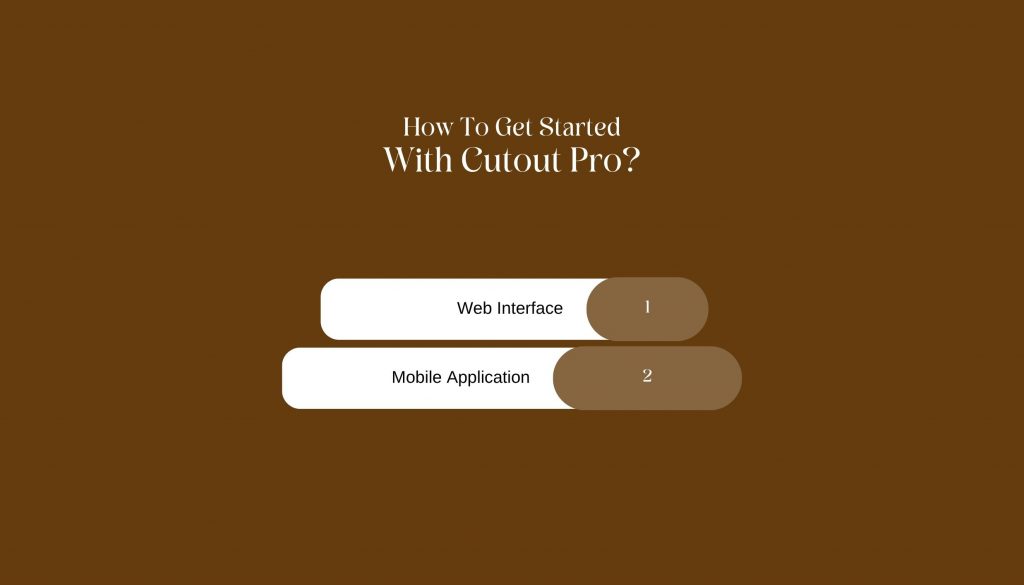
There are two ways by which you can access the platform of Cutout Pro. Both are quite easy and efficient. Let’s take a look:
1. Web Interface
Cutout Pro has a simple web interface that is easy to use.
You can access the tool from any standard web browser.
Just upload your images, and you can start editing right away.
The user-friendly design makes it easy for everyone, no matter their skill level, to edit photos like a pro.
2. Mobile Application
If you need to edit photos while you’re on the go, Cutout Pro has a mobile app for both Android and iOS.
The app includes the main features of the desktop version, so you can edit photos directly from your phone.
Whether you’re a professional photographer needing quick edits or someone wanting to improve social media photos, the mobile app is a handy option.
What Is The Plans And Pricing Structure Of Cutout Pro?
If you are curious about the pricing structure of this platform, then this is the part that you must pay your full attention to.
Firstly, I would like to clarify that Cutout Pro is nothing like the traditional SaaS tools that you are familiar with.
Rather, this platform doesn’t have a subscription model altogether. In fact, it operates on a credit-based model.
Therefore, this is way more efficient for the occasional users. But it can become a little expensive for daily usage.
I have given you a table of the pricing structure below:
| Plan Type | Price | Credits Included | Best For | Notes |
|---|---|---|---|---|
| Free Plan | ₹0 | Limited free credits | Beginners, testing tool | Low resolution output, watermark may apply |
| Pay-as-you-go Credits | Starts around ₹399–₹499 | Varies by pack | Freelancers, small projects | Credits expire, no subscription lock-in |
| Monthly Subscription | Starts around ₹1,999/month | Monthly credit refill | Content creators, marketers | Better value for regular users |
| Business / API Plan | Custom pricing | High-volume credits | E-commerce, SaaS, developers | API access and bulk processing |
The Credit Structure Of Cutout Pro
So basically, you need to assess the credit structure by looking at how many credits you need for each action. Let’s check this out:
- Firstly, you need 1 credit for image background removal.
- Secondly, if you have to do background removal in a batch, you will need up to 2-3 credits.
- Thirdly, you will ned 1-2 credits for upscaling or image enhancement.
- Additionally, you will need 1-2 credits for a portrait cutout.
- Finally, for the API background removal, you will need credits based on the volume.
Overview Of The Free Plan
In the table below, I have explored all the benefits that you get with the free plan.
This will help you decide properly if a free plan can get all the job done for you:
| Feature | Available |
|---|---|
| AI background remover | Yes |
| Image background remover quality | Medium |
| Batch processing | No |
| High-resolution downloads | No |
| Commercial usage | Limited |
Overview Of The Paid Credit Packs
Here, I have given you a table listing all the paid credit packs. These are packs that you can pay for according to the amount of credits you need.
| Credit Pack | Approx Price | Best Use Case |
|---|---|---|
| Small Pack | ₹399–₹499 | One-time project |
| Medium Pack | ₹999–₹1,499 | Freelancers |
| Large Pack | ₹2,999+ | Agencies, bulk editing |
Which Cutout Pro Is Best For You?
You need to choose the plan that is suitable for you. This will completely depend on the profession you have. Let’s take a look at it:
| User Type | Recommended Plan |
|---|---|
| Beginner / Student | Free Plan |
| Freelancer | Pay-as-you-go |
| Content Creator | Monthly Subscription |
| E-commerce Store | Pro or API Plan |
| Agency | Business / API Plan |
How To Choose The Ideal AI Image Editor For Your Needs?
If you need to quickly remove backgrounds from images in large numbers, Cutout AI photo editing is a good choice.
However, if you want more creative control, including layers, text, and detailed editing, you'll need another design tool as well.
Ask yourself these questions before making a decision:
- Do I need speed or creative flexibility?
- Am I editing one image or many?
- Is automation more important than manual control?
- Do I need API access for scaling?
Cutout Pro is best when you prioritize automation and efficiency over fine artistic control.