
Techhence.com Review: Free Recharge Solution Or Another Digital Mirage? 

Techhence

The list of miracle sites is currently flooding the internet. Honestly, I am tired of these promises! 

I mean, don’t get me wrong! I love a gift or a reward as well.  

But these apps promise everything from high-paying remote jobs to free 5G data top-ups. Might as well give a kidney! 

One name that has consistently climbed the search rankings in 2026 is Techhence.com.  

In fact, I have been seeing a heavy promotion of this through YouTube tutorials and Instagram Reels. 

Techhence claims to be a gateway for users to get free mobile recharges for major Indian carriers, like:  

  • Jio 
  • Airtel 
  • Vi 

However, in the world of cybersecurity, free often comes with a hidden price tag.  

This article provides an objective look at Techhence com. Additionally, I will also talk about its operational model. 

Finally, I will also discuss the potential risks you face when trying to claim its rewards. 

What Is Techhence.com?
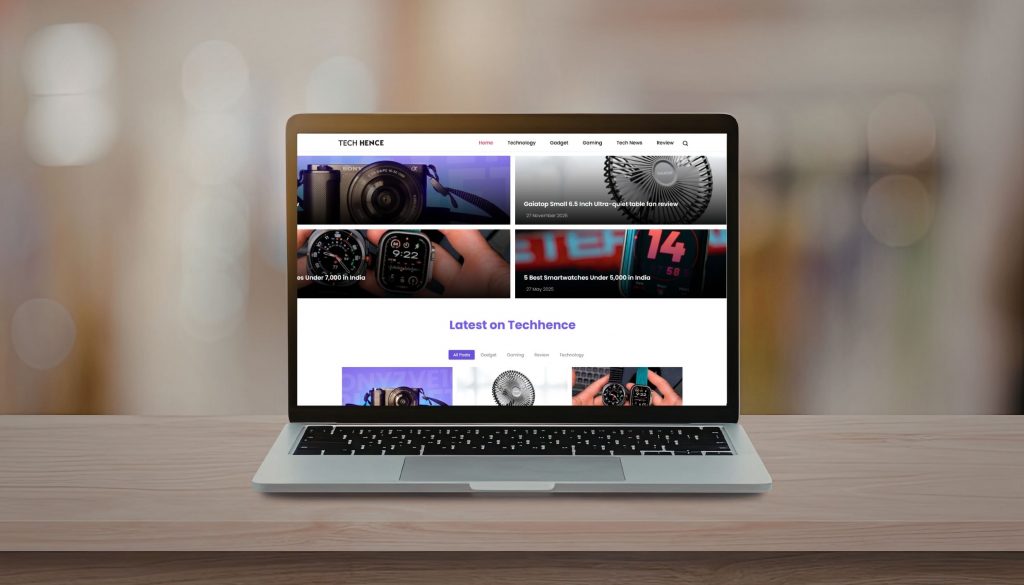
At first glance, Techhence.com appears to be a standard technology blog or information portal.  

It hosts articles about software, mobile tips, and trending apps. However, the site’s primary draw is its Free Recharge landing pages. 

The site typically directs users through a series of educational articles. 

Therefore, this eventually leads them to a form where they are asked to enter their mobile number and service provider.  

Additionally, it markets itself as a promotional partner for telecom companies.  

In fact, it even promises that by completing certain tasks, you can unlock premium data packs for free. 

What Is The Process Of Claiming This Reward?
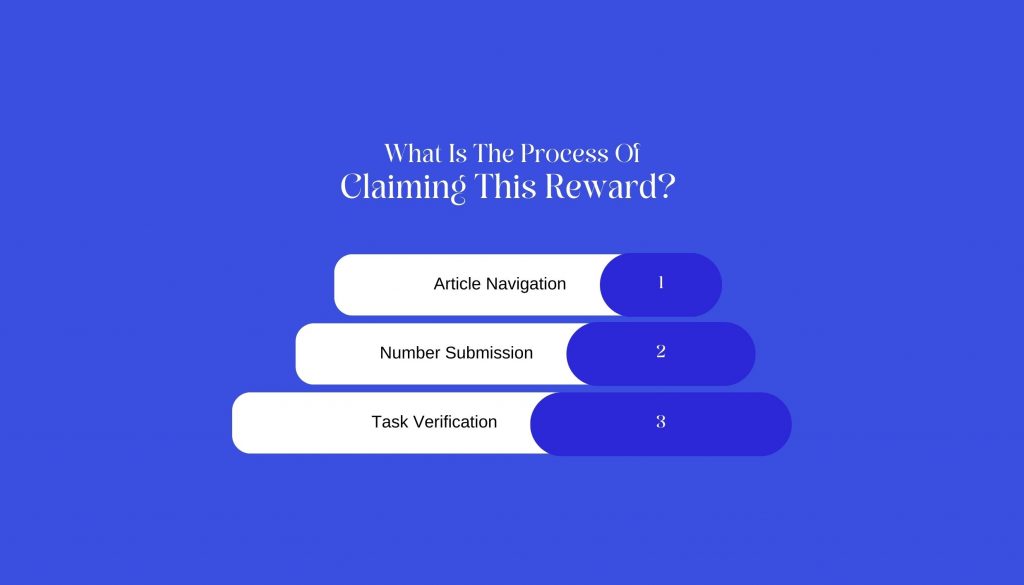
This is the extended process through which you are supposed to go to claim these rewards. Let’s take a look at these: 

1. Article Navigation 

Firstly, you will be told to stay on a specific article for 30–60 seconds. Then, this will activate a timer. 

2. Number Submission 

Once the timer expires, a portal opens asking for the user's mobile details. 

3. Task Verification 

Then, you will be redirected to Task Walls. This is where you must download third-party apps. 

Additionally, the platform might also ask you to subscribe to YouTube channels to verify their identity. 

The Technical Reality: Can It Trigger A Recharge?

To determine if Techhence.com is legitimate, we must analyze the infrastructure of the Indian telecom sector.  

You see, I am very serious when it comes to my recharges. 

I sternly believe that they are financial transactions that require a secure, authorized handshake between a vendor and the telecom provider’s internal billing system. 

1. Lack Of Official Partnerships 

There is no public record or official statement from Reliance Jio, Bharti Airtel, or Vodafone Idea (Vi) naming Techhence.com as a distribution partner.  

I have also reviewed a lot of legitimate reward platforms like Google Opinion Rewards or Amazon Pay. 

In those detailed reviews, I have mentioned that these have transparent, multi-million dollar agreements to handle these credits.  

Techhence operates as an independent blog. So, this makes its technical ability to send a recharge highly unlikely. 

2. The Timer And Progress Bar Tactic 

The countdown timer used on Techhence is a classic psychological trick. It creates a sense of scarcity and forces the user to spend more time on the page.  

This increases the site’s AdSense revenue by boosting dwell time, but the timer is often just a simple JavaScript loop that has no connection to an actual recharge server. 

What Are The Various Red Flags To Consider Before You Click?
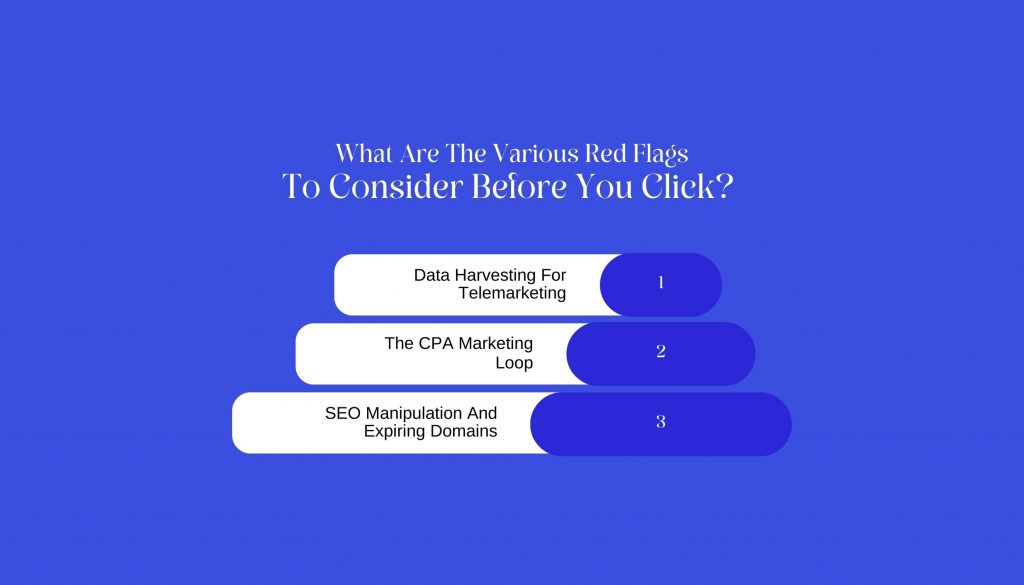
While the idea of a free data pack is enticing, interacting with unverified platforms like Techhence.com carries several invisible risks. 

1. Data Harvesting For Telemarketing 

What do you think happens when you enter your mobile number into an unencrypted form on a third-party blog? 

Then, you are essentially providing a verified lead to data brokers.  

This is why many users report an immediate increase in spam calls. 

In addition, I have also read a lot of reviews where they report all the automated loan offers. 

In fact, I myself received a ton of WhatsApp phishing messages. Guess what? These happen shortly after visiting such portals. 

2. The CPA Marketing Loop 

Techhence operates primarily on a CPA (Cost Per Action) model. The owners get paid every time you download an app or fill out a survey.  

The Free Recharge is the hook used to get you to perform these actions.  

In the vast majority of cases, the recharge remains in a pending or verifying state forever. 

Additionally, by this time, the site owners have already collected their commission for your labor. 

3. SEO Manipulation And Expiring Domains 

As noted by IEM Labs in their 2025 analysis, sites in this niche often use SEO cloaking.  

They write generic tech articles. You know what the reason behind this is? 

They do these to appear legitimate to Google’s crawlers. But their real intent is to funnel users into the recharge scam.  

These sites often change domains (e.g., techhence.com to techhence.in) if they get flagged for deceptive practices. 

How To Safely Reduce Your Mobile Bill?
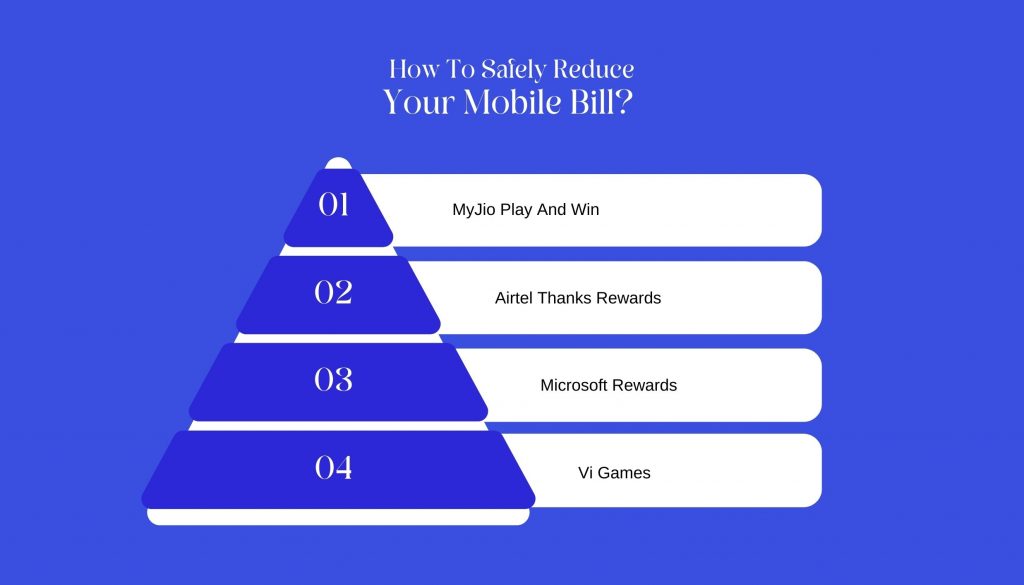
You don't need to risk your privacy on unverified websites to save on recharges. 

In 2026, there are several legitimate methods. In fact, corporate backs these methods. So, you can use these to get data for free: 

1. MyJio Play And Win 

The MyJio app has a permanent Engage section. By playing simple branded games (e.g., from Cadbury or Oreo), you can earn 1GB to 2GB of data that is instantly credited to your account. 

2. Airtel Thanks Rewards 

Airtel often provides Data Coupons for users who pay their utility bills or use their UPI service.  

These are found in the Rewards section of the official app. 

3. Microsoft Rewards 

By using the Bing search engine on your phone, you earn points. 

And the best part? You can redeem these points in order to get gift cards. Then, you can use these cards on Amazon or Flipkart to pay for recharges. 

4. Vi Games 

Vodafone Idea offers a massive catalog of games in its app. 

These games provide coins that you can redeem for small talk-time packs. 

Is Techhence.com Worth It?

The conclusion is clear: Techhence.com is a high-traffic blog. I am sure that the makers have designed it for ad revenue. 

So, it is not a legitimate telecom provider.  

Yes, I do agree that the site may provide some basic tech tips. But, I must add that its Free Recharge claims are unsubstantiated. 

In fact, I also find them to be technically inconsistent with how mobile billing works.  

So, I strongly suggest that you avoid providing your mobile number. Additionally, you must not download third-party APK files via Techhence.  

The potential for data misuse and the loss of your digital privacy far outweighs the nonexistent free data.  

Stick to the official apps of your service provider to ensure your connection and your identity remain secure.

Barsha is a seasoned digital marketing writer with a focus on SEO, content marketing, and conversion-driven copy. With 8+ years of experience in crafting high-performing content for startups, agencies, and established brands, Barsha brings strategic insight and storytelling together to drive online growth. When not writing, Barsha spends time obsessing over conspiracy theories, the latest Google algorithm changes, and content trends.

View all posts

Leave a Reply

Your email address will not be published. Required fields are marked *

Related

cutout pro

Cutout Pro: A Detailed Overview Of The Latest AI Editing Tool In 2026

Before I go straight to the topic, I would like you to have a little content. I am sure we all know how much audience visually captivating content attracts.   There is no way to ignore this. It can be any sort of field, such as social media, blogs, or something else.   Your content needs to be visually appealing.   Of course, authenticity is important. So is value addition.   However, the viewers or readers aren't restricting themselves to these two parameters anymore.   Now, I would like to mention Cutout Pro here. It has successfully established itself as a reliable solution in the digital marketing world.   It has a lot of helpful features that can give you great results for your platform and make it look visually aesthetic with minimal effort.   In this guide, I will thoroughly discuss everything that you need to know about this platform.   Additionally, I will also talk about its features in detail.  What Is Cutout Pro?   To put it simply, Cutout Pro is an AI-driven platform that you can use for creating appealing visual designs.   It uses computer vision technology and AI for the efficient automation of video and photo editing tasks.   The LibAI team established this platform in 2018. Also, its headquarters are in Hong Kong, China.   In this platform, you will get access to various sorts of efficient tools for background removal and image enhancement.   Additionally, you will also get some particular tools that will help you with creating creative content.   What Are The Main Features Of This Platform?  The main features of this platform include:  An efficient infrastructure that it 100% Cloud-driven. Also, its processing times are quick and effective.   Additionally, it is highly accessible. You can get your hands on this through web browsers, iOS, and Android mobile apps.   Also, it has a lot of capabilities for API integration. This is very important for all the developers out there.   It can process a large volume of images and videos.   It is reliable for a huge customer base. This means that thousands of businesses can depend on it.   It significantly reduces your need for complicated software such as Adobe Photoshop.   What Are The Different Capabilities And Uses Of Cutout Pro? Now that we have a fair idea about this platform, let’s take a look at its various capabilities. This will let us know what we can use it for:  1. Image Background Removal   Cutout Pro makes it easy to remove backgrounds from images.   This feature is great for creating clean photos for online stores, marketing, and social media.   The software uses smart technology to quickly identify the background and separate it from the main subject, letting you remove backgrounds with just a few clicks.  2. Object Removal And Retouching   Cutout Pro also helps you remove unwanted objects from your photos.   This includes things like photobombers or distracting items.   You can adjust brightness, contrast, and saturation to make sure your photos look their best.   3. Image Enhancement And Upscaling   If you want to improve the quality of your images, Cutout Pro offers tools to enhance and upscale them.   These tools increase clarity and detail, making your photos suitable for printing or high-resolution displays.   They aim to boost image quality while keeping the original look of the photo.   4. Additional Features   In addition to its main features, Cutout Pro offers batch processing.   This allows you to edit multiple images at the same time, saving you time and effort.   The software works with many file formats, so it can easily connect with other editing tools and platforms.  How To Get Started With Cutout Pro? There are two ways by which you can access the platform of Cutout Pro. Both are quite easy and efficient. Let’s take a look:  1. Web Interface  Cutout Pro has a simple web interface that is easy to use.   You can access the tool from any standard web browser.   Just upload your images, and you can start editing right away.   The user-friendly design makes it easy for everyone, no matter their skill level, to edit photos like a pro.  2. Mobile Application   If you need to edit photos while you’re on the go, Cutout Pro has a mobile app for both Android and iOS.   The app includes the main features of the desktop version, so you can edit photos directly from your phone.   Whether you’re a professional photographer needing quick edits or someone wanting to improve social media photos, the mobile app is a handy option.  What Is The Plans And Pricing Structure Of Cutout Pro?  If you are curious about the pricing structure of this platform, then this is the part that you must pay your full attention to.   Firstly, I would like to clarify that Cutout Pro is nothing like the traditional SaaS tools that you are familiar with.   Rather, this platform doesn’t have a subscription model altogether. In fact, it operates on a credit-based model.   Therefore, this is way more efficient for the occasional users. But it can become a little expensive for daily usage.   I have given you a table of the pricing structure below:  Plan Type Price Credits Included Best For Notes Free Plan ₹0 Limited free credits Beginners, testing tool Low resolution output, watermark may apply Pay-as-you-go Credits Starts around ₹399–₹499 Varies by pack Freelancers, small projects Credits expire, no subscription lock-in Monthly Subscription Starts around ₹1,999/month Monthly credit refill Content creators, marketers Better value for regular users Business / API Plan Custom pricing High-volume credits E-commerce, SaaS, developers API access and bulk processing  The Credit Structure Of Cutout Pro  So basically, you need to assess the credit structure by looking at how many credits you need for each action. Let’s check this out:  Firstly, you need 1 credit for image background removal.   Secondly, if you have to do background removal in a batch, you will need up to 2-3 credits.   Thirdly, you will ned 1-2 credits for upscaling or image enhancement.   Additionally, you will need 1-2 credits for a portrait cutout.  Finally, for the API background removal, you will need credits based on the volume.   Overview Of The Free Plan  In the table below, I have explored all the benefits that you get with the free plan.   This will help you decide properly if a free plan can get all the job done for you:  Feature Available AI background remover Yes Image background remover quality Medium Batch processing No High-resolution downloads No Commercial usage Limited  Overview Of The Paid Credit Packs  Here, I have given you a table listing all the paid credit packs. These are packs that you can pay for according to the amount of credits you need.   Credit Pack Approx Price Best Use Case Small Pack ₹399–₹499 One-time project Medium Pack ₹999–₹1,499 Freelancers Large Pack ₹2,999+ Agencies, bulk editing  Which Cutout Pro Is Best For You?  You need to choose the plan that is suitable for you. This will completely depend on the profession you have. Let’s take a look at it:  User Type Recommended Plan Beginner / Student Free Plan Freelancer Pay-as-you-go Content Creator Monthly Subscription E-commerce Store Pro or API Plan Agency Business / API Plan  How To Choose The Ideal AI Image Editor For Your Needs?  If you need to quickly remove backgrounds from images in large numbers, Cutout AI photo editing is a good choice.   However, if you want more creative control, including layers, text, and detailed editing, you'll need another design tool as well.   Ask yourself these questions before making a decision:  Do I need speed or creative flexibility?  Am I editing one image or many?  Is automation more important than manual control?  Do I need API access for scaling?  Cutout Pro is best when you prioritize automation and efficiency over fine artistic control.

READ MOREDetails
Aftermarket Dash Cams

The Tradeoffs Between Factory And Aftermarket Dash Cams

I recently started driving. I was really scared of the unpredictability lurking around every corner, but I still gave in. Also, I have doing my research about safe driving a lot. So, I found out that a dash cam has emerged as a vital tool for many motorists. You can use it to capture a scenic drive. Additionally, you can also record an unexpected incident. But I have installed it just to provide evidence in the event of an accident. Basically, all I am asserting here is that dash cameras are becoming as essential as seatbelts.  But, it also comes with a certain debate: factory vs aftermarket dash cam. What I mean by this is that you must choose between factory-installed dash cams and aftermarket options. Trust me, the decision is not as straightforward as it seems.  You may find yourself in a dilemma. But, I would still ask you to take all the time in the world to weigh the pros and cons. Then, you can consider what suits your needs best. Factory Vs Aftermarket Dash Cam: Which One Is Better? Let us first weigh all the factors to understand all the reasons why you should choose either: 1. Factory Dash Cams: A Seamless Integration Factory-installed dash cams are designed to blend seamlessly with your vehicle's interior.  Additionally, many companies pre-install these in new vehicles. This means you don't have to worry about the installation process.  I am just tickled to imagine the peace of mind when everything is already assembled for you!z And the best part? You don’t need to tinker under the hood! In fact, you won’t have to decipher a complex instruction manual.  The convenience of factory dash cams doesn’t stop at installation. They are engineered to work flawlessly with the vehicle's existing systems. Additionally, they are often integrated with advanced safety features and in-car displays.  Also, this integration can enhance your driving experience. So, this also provides a cohesive and user-friendly interface.  What Were The Drawbacks? But while this might sound like the perfect choice, there are tradeoffs to consider.One of the main drawbacks of factory dash cams is the cost. When purchasing a new vehicle, you might balk at the additional expense of a factory-installed option. This is true especially when the price tag is significantly higher than aftermarket alternatives.  Moreover, factory models may offer limited customization options. So, this leaves you with features that might not fully meet your expectations or requirements. 2. Aftermarket Dash Cams: A World Of Possibilities On the other hand, aftermarket dash cameras offer a plethora of choices.  So, if you are looking for a basic model, this is an amazing choice for you. Also, it will still be an amazing choice even if you are looking for a high-end device with: Night vision GPS Wi-Fi capabilities Basically, I am saying that the aftermarket world has something for everyone.  In addition, I think the beauty of aftermarket dash cams lies in their versatility and affordability.  You can select a model that fits your budget and specific needs. And the best part? You don’t have to tie yourself down to follow factory specifications. What Are The Factors To Consider While Selecting An Aftermarket Dash Cam However, with great choice comes great responsibility. The task of selecting the right aftermarket dash cam can be daunting.  1. A Plethora Of Options The sheer number of options might leave you feeling overwhelmed. I felt much like being lost in a eucalyptus forest, where every tree seems similar yet different.  It’s easy to get lost in the details. Even I was trying to balance quality, features, and price. 2. Installation Procedures You must also consider installation, as it is another very important factor.  I would like to mention that many aftermarket dash cams are designed for easy installation.  But, there is always the risk of complications.  You might need to assemble various components. Also, you must ensure wires are discreetly tucked away. In fact, you must also check if the camera is positioned correctly.  Wait! Are you someone who is not comfortable with DIY tasks? Then, this could be a significant downside.  3. Performance And Reliability When it comes to performance, both factory and aftermarket dash cams have their strengths and weaknesses.  Factory dash cams often benefit from manufacturer support and updates. So, this ensures they remain compatible with your vehicle's evolving technology.  This can be a significant advantage if you value reliability and long-term performance. Conversely, aftermarket dash cams can offer cutting-edge technology. In fact, it can also give you a lot of innovative features. And guess what? These might not be available in factory models.  Yet, this innovation comes with its own set of risks.  The reliability of aftermarket dash cams can vary widely, depending on the brand and model.  It’s important to do thorough research. I even read a ton of reviews before I made a purchase. 4. Warranty And Support Okay, this is where I would like you to pay a little more attention. You must recheck and confirm the warranty a lot of times. Additionally, the same rule applies to the quality of the customer support as well.  Trust me, I can assure you that both these considerations are important when choosing a dash cam.  Now, let’s talk about the factory dash cams. They typically come with a warranty that covers both the camera and its installation. So, this provides a safety net should anything go wrong.  Additionally, I also think that support from the vehicle manufacturer can be more streamlined. I mean, it would be nice to have direct access to knowledgeable technicians. Aftermarket dash cams, in contrast, might offer limited warranties.  In addition, the customer support can vary significantly between brands.  So, I think it’s essential to choose a reputable brand with a solid warranty. Trust me, I was too stuck on getting a reliable customer service to ensure peace of mind. And I was right!  Factory Vs Aftermarket Dash Cam: Making The Right Choice The choice between factory and aftermarket dash cams ultimately depends on your:  Personal Preferences Budget Requirements  Now, the choice goes to you. I would like to end the article with a few words of wisdom. When you are choosing any vehicle equipment, you must do thorough research before you go with any option.  In this case, I would suggest not making a decision based on what you want.  As I have mentioned, both are amazing. Both are quite attractive as well. So, here, your parameter should be what you need.  Happy driving! More Resources: Navigating Security: Choosing The Right Portable CCTV Camera For Your Needs Lights, Camera, & Upload: Top 12 Best Camera For YouTube In 2026 The Best Affordable Vlogging Cameras In 2023: Top Recommendations

READ MOREDetails
MySQL

Top 10 MySQL GUI MacOS

Databases are the primary data storage location for all software applications. For instance, when someone conducts a web search, logs into an account, or completes a transaction, a database system maintains the information so users can retrieve it whenever they choose. A relational database, on the other hand, organizes data into tables, rows, and columns. Furthermore, it combines tables and creates a link between the data, making it simple to acquire insights into the relationship between multiple data points. Among the different relational databases, MySQL is the most popular. It supports different OS like Linux, Windows, and even macOS (Apple). In addition, it powers several popular web applications, including Twitter, Netflix, Uber, and Facebook. There are several MySQL GUI for macOS. However, this blog article will discuss the top 10 MySQL GUI Clients for MacOS. 10 Most Popular MySQL IDE for MacOS 1. dbForge Studio for MySQL dbForge Studio for MySQL is a MySQL GUI for macOS. It is used to create, maintain, and design databases. dbForge Studio for MySQL allows you to build and execute queries, develop and debug stored procedures, and manage database objects. Furthermore, it has a user-friendly UI and consists of intelligent coding features like code completion, enabling you to write SQL queries easily and effectively. PROS Code completion Automatic run-time query Visual Query Builder, which helps you create queries using drag-n-drop Simple to debug Simple backup and restoration CONS The free edition has limited functions It is compatible with only MySQL and MariaDB dbForge Studio for MySQL cannot be used offline. Price: 30-day free trial, $179.95 for a perpetual license of the premium edition. 2. TablePlus TablePlus is a native MySQL GUI application with an easy-to-use interface. Its native architecture enables speedier processing of SQL queries. As a result, you can quickly build, query, edit, and save databases. Furthermore, TablePlus has an appealing user interface that enables you to manage numerous relational databases at the same time, such as MySQL, PostgreSQL, SQLite, Microsoft SQL Server, Redshift, MariaDB, and others. PROS It executes queries in split seconds It consists of a simple UI It only consumes a little space - about 180MB to install no code query features you can connect to multiple databases simultaneously code formatting features CONS The free version limits you to 2 opened tabs and 2 opened windows No rollback button Price: $79, $99, and $49 for basic, standard, and custom license, respectively. 3. DBeaver DBeaver is a graphical database administration tool for database developers and administrators. It is a free and open-source tool that supports popular DBMSs like MySQL, PostgreSQL, MariaDB, SQLite, and Oracle. Aside from MacOS, it also works on Windows, Solaris, and Linux. DBeaver is highly functional and user-friendly. It consists of the typical features one should expect from a GUI database management tool. Features like code completion, code formatting, data editing, database analysis, SQL editor, and so on PROS Can connect and work on different databases simultaneously It has easy navigation through the Schema object tree It saves coding time through code completion CONS The free edition has limited functions It consumes a lot of RAM space You cannot install it without Java Price: The community edition is free, and the Enterprise edition is $10/month. 4. Sequel Ace Sequel Ace is a popular Mac database management tool for MySQL and MariaDB databases. It serves as a replacement for the longtime MacOS tool - Sequel Pro. Sequel Ace allows easy writing of custom queries, easy accessibility to all your databases, and a filtering system to find what you need quickly. PROS It rarely crashes It is fast and easy to install It has flexible connectivity CONS It does not support multiple result tabs for multiple queries The query editor window is slow 5. SQLPro Studio SQLPro Studio is a high-end database management software for Postgres, MySQL, Oracle databases, and Microsoft Management Studio. It is well-known for its smart features, such as syntax highlighting, the ability to execute several queries simultaneously, autocomplete, keyword inclusion, and exporting files as CSV, among others. PROS The table filters are easy to use It can install plugins You can easily connect it to local Docker containers CONS It is a little bit slow It does not have NoSQL DB management It crashes randomly. Price: $99.99 per year. 6. DataGrip DataGrip is a multi-engine database management tool. It is compatible with MySQL, PostgreSQL, Microsoft SQL Server, Oracle, Sybase, SQLite, and so on. DataGrip is characterized by many amazing features, such as code auto-completion, bug detection, and version control integration, among others. In addition, it provides a query console for performing and profiling queries. PROS The interface is user-friendly and very easy to understand. The support is substantial, and the tool deployment is highly authentic You can manage multiple databases simultaneously. CONS It consumes too many computer resources, which slows down its performance. If you plan using of MySQL DB only, its functionality is poorly Price: $199 per year 7. Beekeeper Studio Beekeeper Studio is an open-source SQL editor and database management tool for MacOS, Linux, and Windows. It has a friendly user interface and is very easy to understand. Also, Beekeeper studio is GPL licensed, which makes it free to use. The tool is characterized by various smart features, such as a tabbed interface for multitasking, keyboard shortcuts, query history, code auto-completion, and syntax highlighting, among other features. PROS It has keyboard shortcuts It enables users to multi-task You can use the tool without the internet You can save your queries to visit them later CONS It takes a while to load multiple tables in a database The UI could be better Price: $99 8. Adminer Adminer is a PHP-based database data editing tool that is both simple and user-friendly. It is appropriate for general users because it allows for high-level data manipulation. Adminer was previously known as phpMyAdmin. It does, however, have a simpler and more user-friendly layout. PROS The security features are top-notch It is fast in executing queries It restricts the number of connection attempts to prevent cyberattacks CONS The user interface could be more user-friendly It is not easy to move database schemas across the workspace Price: it is free 9. Navicat Navicat is a graphical front-end database administration tool that allows you to connect to several databases simultaneously, including MySQL, MariaDB, SQL Server, Oracle, PostgreSQL, and SQLite. Navicat allows you to create and manage database objects, move data between databases, synchronize, and deploy updates. Furthermore, its efficient functionality allows you to quickly complete complex jobs, such as importing a large number of file data into a database table without interruption. PROS It is beginner friendly It runs SQL queries very fast You can easily move data across different tables and databases. CONS The subscription is very costly It has a short free trial period (14-day free trial) Price: $69.99 monthly subscription, $1399 for a permanent license. 10. Querious Querious is a new MySQL database management software for MacOS. It is precise and simple to use, giving you complete control of your work. Furthermore, Querious is beginner-friendly and comes with smart features that enable users to view, edit, search and structure their data how they deem fit. PROS A simple user interface It executes queries quickly Complete control over user privileges It rarely crashes CONS Autosuggestion can only suggest table names It only supports MySQL It is available only on MacOS Price: $25. Read Also: Quality Of E-Commerce Data Entry Services- Whether You Should Invest In Them? Is Computer Software Prepackaged Software A Good Career Path? Best Practices For Replicating Data

READ MOREDetails