











8 Best Shopping Apps for 2023

Published on: 14 March 2019 Last Updated on: 30 October 2024
Best Shopping Apps

It is never too late to launch an e-commerce business. As it stands, 2019 has the potential of being the most exciting year in online retail history. There is never going to be a better time to start your business online. The internet is growing at an exponential rate and more transactions are happening online. If you’re thinking about starting an E-commerce business or want to bring your brick and mortar online, there are some apps that could act as an inspiration. These apps can also be beneficial to the average consumer that is looking for a new shopping experience.

8 Best Shopping Apps for 2019:

1. The Hunt:
The Hunt

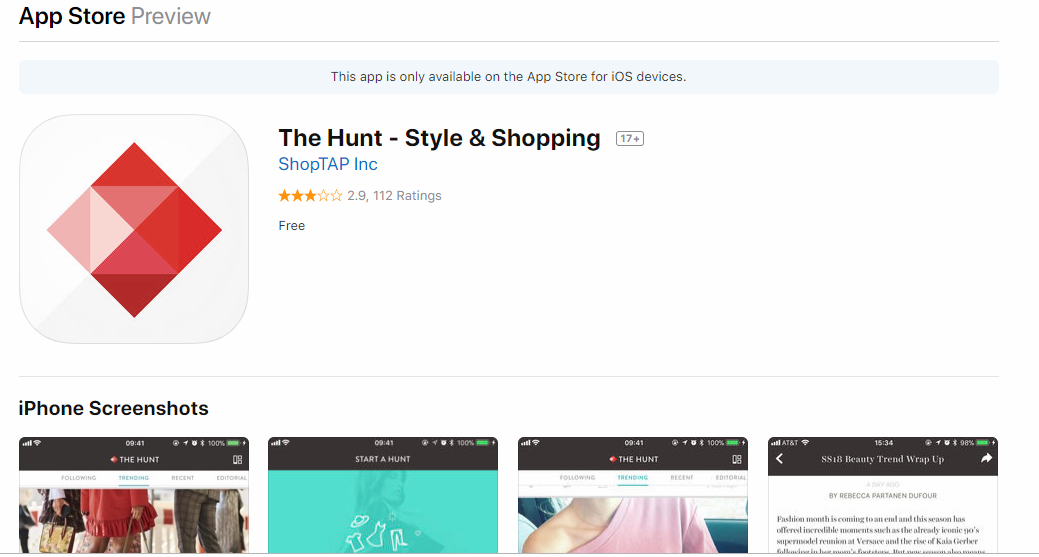
This the perfect app if you know what you want but don’t know where to get it. Through the apps AI, you can go through mystery pieces that you have seen online by simply clicking on the Hunt’s Collective fashion expert. All you have to do is to post a photo and the community will help you hunting for the item. You can also get the latest news and trends in fashion. There is a feature that lets you poll users on what trends you should follow and even what you should wear.

2. Gilt:

Gilt is your go-to app if you’re looking for designer items. It has been rated as one of the best shopping apps given its intuitive design and a wide variety of luxury items for both men and women. Gilt overs up to 70% of name brands when it comes to clothes, shoes, purses, jewellery and more. Some of the luxury brands available on the platform include Louis Vuitton, Gucci, and Chanel. There are app-exclusive deals that are offered from time to time to save you on cash. The app is available on both Android and iOS.

3. ShopStyle:

shopstyle

With ShopStyle, you can access items from various stores from one platform. Some of the stores you can shop from include Neiman Marcus and Nordstrom. There are also budget-friendly shops like Forever 21 and Asos. If you want to shop from one specific store, you can set up an alert so that you’re notified whenever there is a new item added that is related to your query.

4. Wish:

Wish

Wish is one of the most popular apps on Appstore. You can get super affordable electronics, accessories, home goods, shores, and a lot more. One of the reasons whey Wish is so popular is because it sells unbranded items. The products are directly sourced from the manufacturers and there are no middlemen hence the affordable costs. If you’re on a budget or just looking to save money, Wish comes highly recommended. You have the ability to personalize your shopping experience and there is a unique algorithm that recommends products based on your purchase history. If you don’t want to access Wish from the app, there is the option of using a computer.

5. Wanelo:
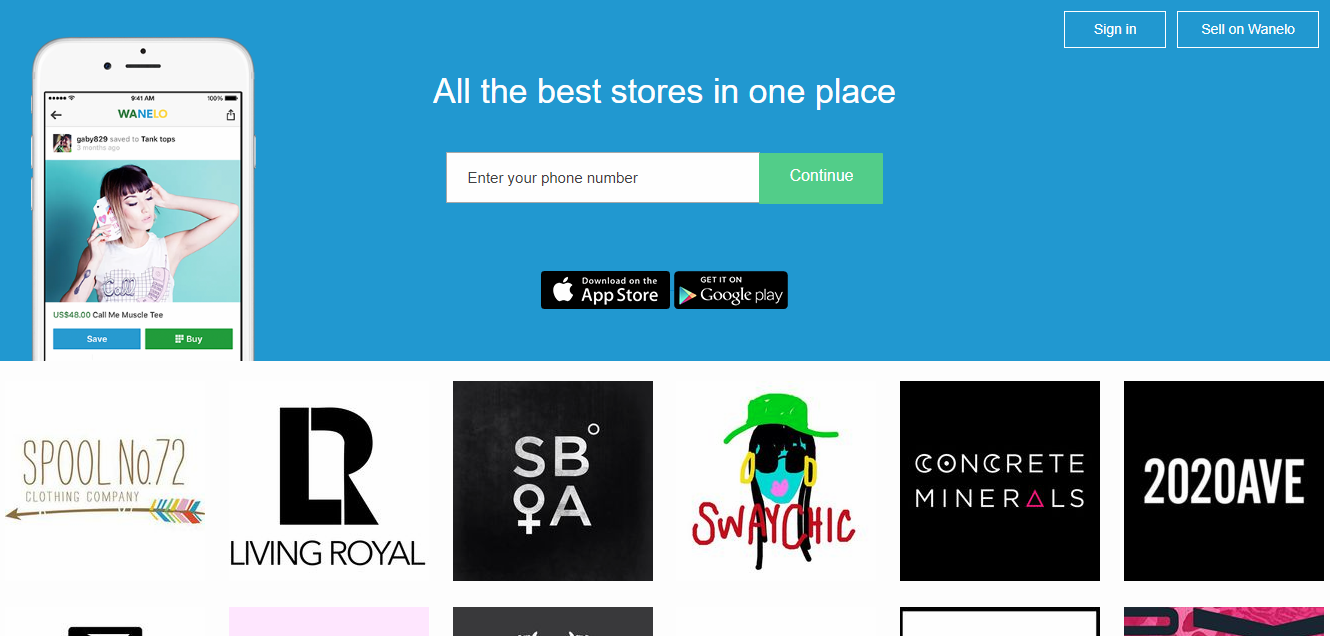
wanelo

This is another app that features affordable products. It is abbreviated from “Want, Need, Love,” and features more than 12,000,000 products in the home, beauty, and fashion category. You can get to choose more than 300,000 products from different stores with the option of personal curation. The beauty with Wanelo is you can also sell items. There are more than 11,000,000 active users on the platform which means there is a sizeable market if you can niche down to your target audience. The app is available on both iOs and Android although it is more popular in the latter. The store can be an inspiration for your next e-commerce business. Mageworx comes highly recommended if you’re looking to bring your E-commerce vision into reality.

6. GiftaGram:
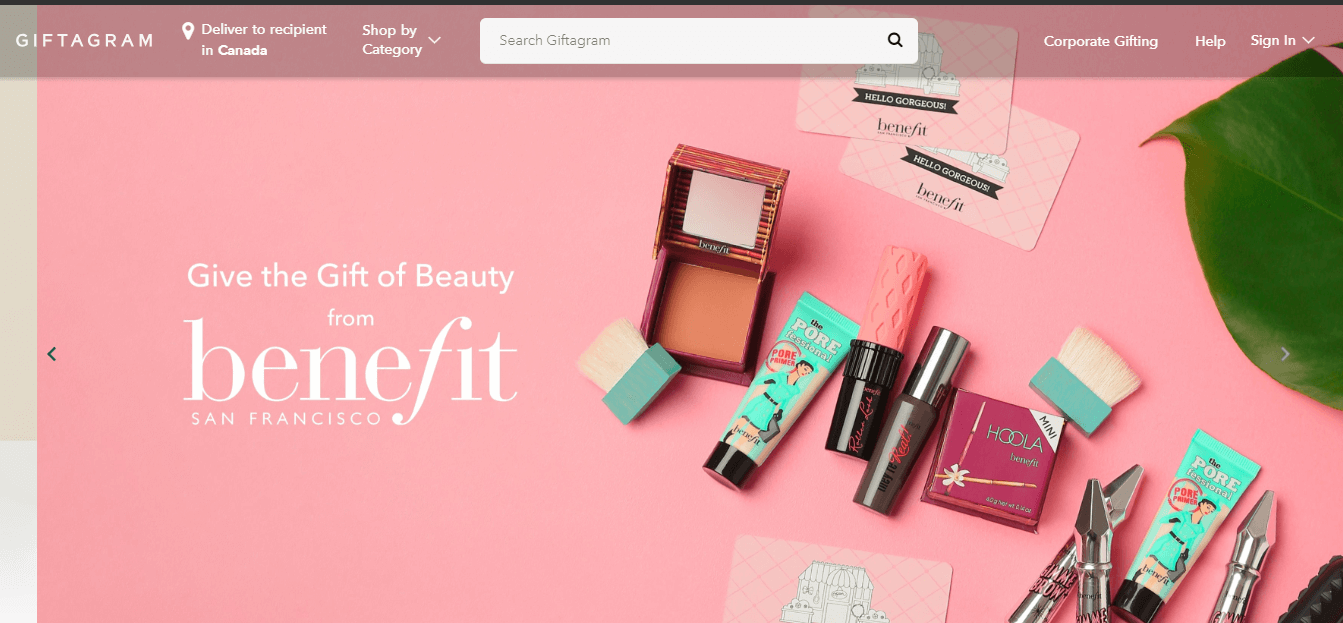
giftagram

This app is specifically designed for gifting. All you have to do is to integrate your contact list and you’re almost done with the setup. The app will sync with your calendar and send timely reminders of upcoming events, and special occasions like birthdays and anniversary. The app helps in finding the perfect gift by giving suggestions based on the occasion. You don’t have to worry about entering the shipping details every time as the app automatically handles the process. Some of the gifts you could send through the app include gadgets, books, wine, baked items, and even flowers.

7. Canopy:
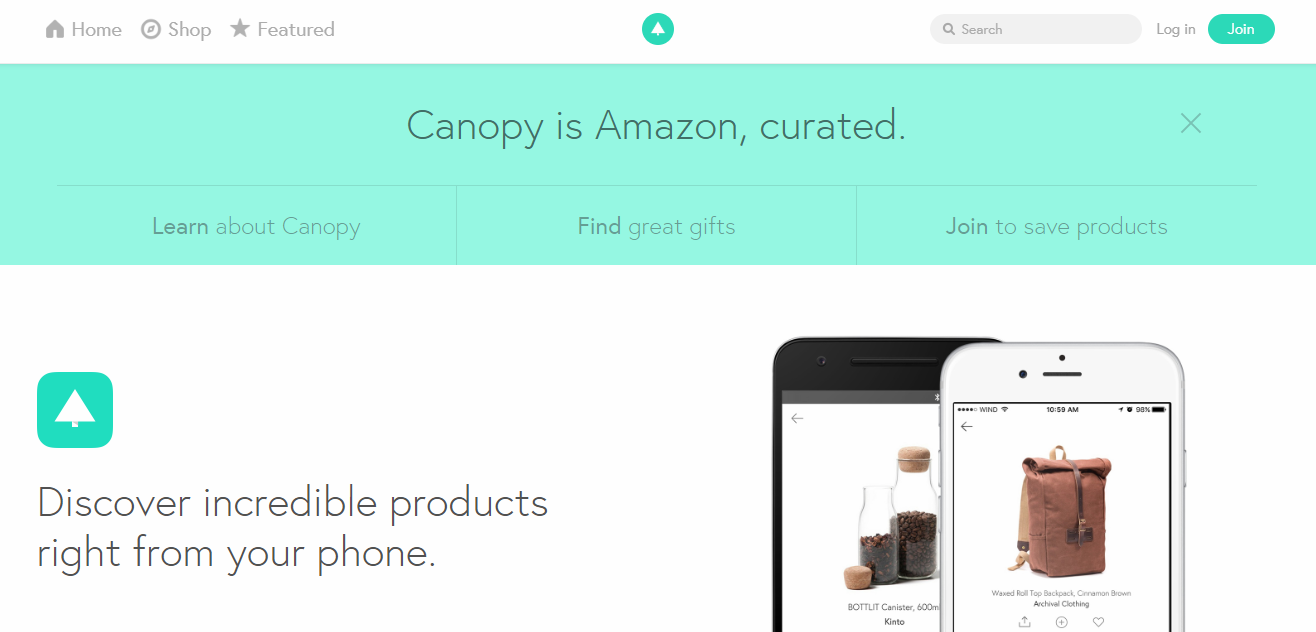
canopy

If you love shopping then this is app will come in handy. It lets you browse through different retailers and stores simultaneously. What really makes this app unique compared to other solutions in the market is the fact that it is hand-curated. The team goes through millions of off-for sale items on the interwebs and hand-picks the ones to be featured on the website. It can take you weeks or even months to get the products that are not the app since you will have to scrap manually and there are no guarantees you will get what you want.

8. Flipp:
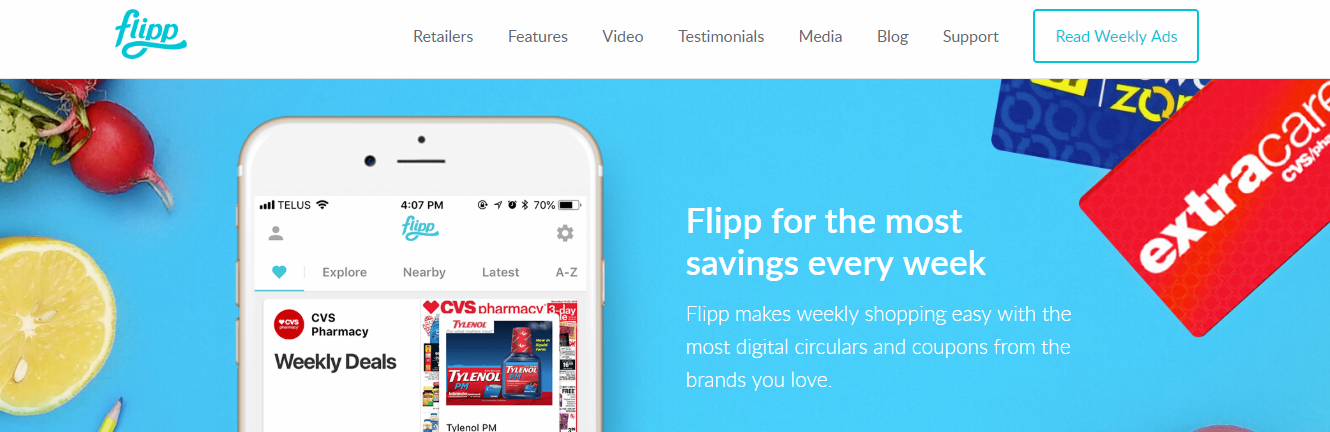
flipp

This mobile app comes with a ton of features that are meant to enhance the shopping experience. You can go through different shopping ads and there is also the functionality of loading coupons directly to your loyalty card. You can also browse through the best deals based on the store category that you select. There is also the option of receiving rebate earnings through PayPal.

The list is nowhere near conclusive. There are so many shopping apps out there. The ones we’ve mentioned could be used as an inspiration to launch your next E-commerce platform. It is recommended to go for a holistic solution like Mageworx when creating your first E-commerce store.

Learn More About:

Content Rally wrapped around an online publication where you can publish your own intellectuals. It is a publishing platform designed to make great stories by content creators. This is your era, your place to be online. So come forward share your views, thoughts and ideas via Content Rally.

View all posts

Leave a Reply

Your email address will not be published. Required fields are marked *

Related

Cancer App

The Functions and Benefits of a Cancer App

Technology is every bit a part of our lives in good times and in bad. For someone going through cancer, there is very little about the situation which you can control. Fortunately, technology is on your side. Mobile phone applications today are not only helping cancer patients in passing the time while between doctor’s appointments but are catered towards providing a patient-centered service with various features that were designed to help a patient manage the treatment and recovery process. What is a cancer app? The healthcare industry has long benefited from different mobile applications aimed at helping ordinary individuals manage their health. A cancer app, on the other hand, provides a more comprehensive approach towards aiding a patient at the onset of cancer diagnosis, until after remission and recovery. Each application has different features, but the primary goal is the same – to help patients with treatment management. Some apps list detailed information about specific types of cancers as well as an option to write inquiries, record medication and symptoms, and have an overall convenient way to organize activities related to ongoing treatment. Some apps even have the option to record what goes on during a doctor’s appointment so that the patient can easily recall and be reminded of some important details. Another helpful feature of these applications is the option for patients to connect with other patients similar to how a social media platform functions. Examples of popular apps for cancer patients: There are many options available out there and selecting the best one can be overwhelming. In choosing a cancer app to download and use, check the features and services first to determine which best suits your lifestyle and your needs. Belong app. What’s great about this application is that it is patient-centered in a way that it connects patients to a complete ecosystem of oncologists, researchers, nurses, and radiologists ready to answer your inquiries. Patients will not only receive the help they need from experts but from a network of other individuals who are also going through the same ordeal. The app is easy to navigate and provides you with a complete platform to manage and organize all your documents which you can also share with family members and medical professionals. The app also provides clinical trial matching service which can really make the change in a patient’s life. Keeping track of your medication, notes, and remembering your doctor's advice can be incredibly overwhelming for a cancer patient. This app, in particular, simplifies the process with a host of features that help a patient manage each essential step of the treatment process. There is also a calendar which you can use to schedule appointments and set reminders. Although these apps are already sophisticated, there is still much to be improved so that these apps benefit more patients in the future. If you go to the App Store or Google Play, you will see that there are hundreds of these applications, but only a select few have undergone extensive testing. If you are looking for a cancer app, you need to ensure that you take a close look at the features and read the reviews of each app to find the best one. Read Also: Finding The Right Hospital Dominant Mobile App Trends To Keep An Eye On Can Breast Augmentation Cause Cancer? 5 Types Of Cancer Prominent In Women 7 Surprising Benefits Of Alkaline Foods

READ MOREDetails
OMG Burse App

OMG Burse App – All You Need To Know

OMG Burse App is the best earning app through Amazon. This is one of the trending apps that enables readers to make fake orders and grab an order every minute. There are many individuals who are earning via this app but others have claimed that this app is entirely fake! Nowadays, people are using these kinds of apps to earn high passive income from the comfort of their homes. However, the results are not long-lasting and you will not see any benefits in the long run.  The offers are created just to attract your attention at the first sight and this app creates unique employment and side facilities for those who want to earn additional passive income from their home. All You Need To Know About OMG Burse App OMG Burse App is an android application specifically developed for mobile users. Installing this latest app can help you to earn a maximum profit by spending less. The developers integrate several payment methods inside the app for recharging the wallet. This app works in a similar manner and it enables ordinary individuals to place orders for sellers. You can earn money from this app by registering yourself. Features Of OMG Burse App OMG Burse App includes some features that you need to consider before downloading this app.  This app is completely free to use. No complications in this method. It is a legitimate method. You can earn online by completing easy tasks. The app uses your bank account to withdraw & deposit money. Its latest and reliable platform. You need to complete some orders to earn commissions. It’s a third-party app affiliated with Amazon. OMG Burse App Apk Benefits OMG Burse App claims that people can earn thousands of rupees online by completing online tasks and much more. However, we don’t recommend you at all to use this app to earn money. There are various benefits of the OMG Burse App that you must know before signing up for this app.  Simple application. Clean design. Legal opportunity. Less advertising. Will pay you to work fast. Offers the easiest way to make money online. You can earn money by completing online tasks. You are given simple tasks to make money online. OMG Burse App Fake Or Real? According to customer reviews, OMG Burse App is fake because many customers haven’t got any returns. Actually, this app asks you to invest money in the money which is a sign of a fake app.  The Burse app does not have any authentic information about the app. So, this app offers plans that make it very easy for people to fall into the trap.  The Final Thoughts  There are various platforms that are better than OMG Burse App that will help you to earn huge passive income. The above-listed information is the complete details about the OMG Burse App that you must know before downloading this app. Besides, if you have any doubts regarding the same, you can list them in the comment section below. More Resources: 7 Rules of Effective Ecommerce Web Design The Online Reputation Management Mystery Revealed Optimize Your Small Business Revenue by Taking These Steps

READ MOREDetails
whatsapp hacked

Breaking The Code: Understanding And Recovering From WhatsApp Hacks

As one of the most widely used messaging applications with billions of users, WhatsApp has become a prime target for criminals. They seek to hack the platform and access sensitive information. WhatsApp is fairly prone to people hacking it if you are not careful. Unfortunately, the popularity of messaging apps has made them vulnerable to these attacks. Scammers often attempt to deceive users into sharing their 6-digit verification code, which they then use to log in to the app. So, is your WhatsApp hacked? Let's learn what to do when this happens. Is Your WhatsApp Hacked? If your verification code falls into the wrong hands, they can easily hack your WhatsApp account. However, if you have made this mistake, there is no need to worry. There is a way to recover your hacked account. Here is how you can ensure your WhatsApp is safe and not hacked. Inform WhatsApp & Others Contacts If you suspect that your account on WhatsApp may have been hacked, you should first inform WhatsApp about the issue. You can contact them via email at support@whatsapp.com and make sure to mention "Lost/Stolen: Please deactivate my account" in the text body. Additionally, it is important to inform your friends and family members about the security breach so that they are aware and do not fall prey to any objectionable messages from the hacker. Once your account is successfully deactivated, you will be given 30 days to reactivate it. If you fail to reactivate it within the given time, all saved chats or media backed up in the cloud will be at risk of being deleted. Reactivate WhatsApp If you receive a duplicate SIM card, you can reactivate your WhatsApp account on a different device. WhatsApp will send you a six-digit code that you will need to enter to gain access to your account. After entering the code, the hacker will be logged out of your account automatically. However, if you do not receive the duplicate SIM card within the given time frame, delete your WhatsApp account to prevent the perpetrators from misusing your account. Please note that uninstalling and removing WhatsApp are not the same. To delete your account, you need to contact WhatsApp Web Support. If the hacker activates the 2-step verification process, this will motion WhatsApp into asking you to enter the code. Since you do not know the code that the hacker has used, you will have to wait for seven days to recover your account. The good news is that during this waiting period, the hacker will not have access to your WhatsApp account. As one of the most popular messaging apps with over 2.5 billion users, WhatsApp remains a prime target for regular hackers who attempt to compromise user privacy. WhatsApp Safety: Signs Of Being Hacked Here are a few signs you should look for to determine if your WhatsApp account could have been hacked. If you start to see any of the signs and think that your WhatsApp may be hacked, here are a few things you could do to get back your account and prevent future attacks. If you see new contacts in your account that you don't remember adding Spam messages and media sent from your account to old or newly added contacts An unknown device from an undisclosed location has accessed your WhatsApp account There are notable changes to your profile details, such as your username and profile picture that you don't recall making Someone adds you to new groups that you don't remember being a part of If you have misconfigured account and security settings WhatsApp Hacked How To Protect Your WhatsApp Account? If you think that someone has hacked your WhatsApp account, you can follow a few steps to recover your account. It will also prevent hackers from accessing it again. 1. Regain Control Of Your WhatsApp Account Have you ever clicked on a shady link? Did you scan a weird QR code to join a group, or did anything to lose complete access to your account? In this case, you should try to regain access to your WhatsApp account. 2. Sign Out Of Your Account From Any Device WhatsApp Web no longer requires you to have your phone nearby to use your account. Therefore, if a scammer has linked your WhatsApp account to her WhatsApp Web, they may be using that account without your knowledge. The same applies if you use your account secretly on the WhatsApp desktop app. Therefore, it is essential to unlink your account from any unknown device you are currently using. To do this, follow these steps: Open WhatsApp on your main phone, where you just restored your account. On Android, tap the three vertical dots in the top right corner, then tap Linked Devices. Scan and remove suspicious devices accessing your account. Tap the device you want to remove and click Sign Out. On your iPhone, go to Settings > Linked Devices and unlink the unknown device. Recovering your account and logging out of unauthorized devices may protect your account. This prevents hackers from gaining access again. Next, notify your contacts of the security breach. 3. Notify Contacts About Security Breaches After hacking into a victim's WhatsApp account, attackers often pose as the victim and attempt to make money by demanding money from their contacts, asking for sensitive information that they can misuse later, or sending phishing links to hack other accounts. Once you have secured your account, it is essential to notify all your contacts about the breach so that they are aware of the situation and do not ignore any suspicious messages. Those who have already responded to the scammer's message can take action to recover their money (if they've already sent it) and keep their sensitive information safe. 4. Block Unknown Contacts And Leave New Groups If scammers hack your WhatsApp account, they may use it to promote products or attempt to phish your contacts. They can also join random groups and spam them, which can harm your reputation and credibility. You should check your recent chat boxes with contacts that are unknown and messages you sent to groups. If you notice any suspicious activity, inform the contacts and group members about the breach and block all unknown contacts. You should also leave groups you do not engage in. To block a contact on WhatsApp, open the contact, tap the three vertical dots in the top-right corner, then tap More, and hit Block. After that, tap on Block in the confirmation popup. To leave a group on WhatsApp, go to the group you want to leave, tap on the three vertical dots in the top-right corner, tap More, and hit Exit group. After that, tap on Exit in the confirmation popup. Secure Your WhatsApp Account After you've successfully recovered your hacked WhatsApp account, it's important to take measures to prevent any future security breaches. One of the first things you can do is enable two-step verification. This will help prevent unauthorized access to your account. You can also activate the feature of disappearing messages for conversations that are sensitive. It will protect your data by encrypting cloud backups and customizing your privacy settings. This will make your WhatsApp account more secure. By taking these steps, you can reduce the likelihood of people hacking your WhatsApp account in the future and ensure the protection of your privacy. Don't let scammers compromise your WhatsApp account. Wrapping Up Recovering your hacked WhatsApp account is possible as long as you act fast. Being aware of the steps to take can help you regain control of your account in no time. Stay vigilant to prevent your account from malicious activities that could harm your reputation. One of the most prevalent methods used by hackers to gain unauthorized access to WhatsApp accounts is through phishing scams. Educating yourself on how these scams work can help you identify and steer clear of them. So, has someone hacked your WhatsApp? If you have thoughts to share or questions to ask, please leave a comment below. We would love to hear from you! Read More About: How To Fix A Hacked Android Phone? WhatsApp Not Working: Why It Happens And How To Fix It Your Wrist, Your Chat: Setting Up WhatsApp On Apple Watch

READ MOREDetails