
Features That Make Filmora The Best Editing Software In 2022

Published on: 30 April 2022 Last Updated on: 04 November 2024
Filmora

Video is not just a skill to learn but is also become in demand for different professions. If you are a YouTuber then you must have to learn video editing to create and edit videos for your viewers.

It needs lots of effort and dedication to create a unique video with the best features. Filmora helps you to become a professional video editor and can edit videos for personal as well as professional use.

You can also do editing work for others and can charge them money for editing services. You can make advertisement videos for business products and can also edit videos for YouTubers and Social Media influencers.

It is all become easy for your once you start using Filmora. Filmora has many professional and expert users who are regularly using Filmora. You have to check all these on Filmora and for this, you have to visit the website.

Latest features in Filmora 11:

Filmora 11 comes with the latest features that allow its users to make videos attractive and watchable for viewers. So, you have to check all features and for the access, you have to purchase a plan. You can use Speed Ramping for speed control.

Masking for safety and security. Auto Beat Sync for better music. and Instant Mode to get any mode for a better experience. You will also get 3rd-Party Stock Media (professional movie effects from OpenFX and NewBlue FX) and also Wondershare Drive for storage.

With all these, you will also get audio editor features which are also essential to make your video impressive. Audio plays a very important role because it explains the content of the video and what the creator wants to explain to the viewers.

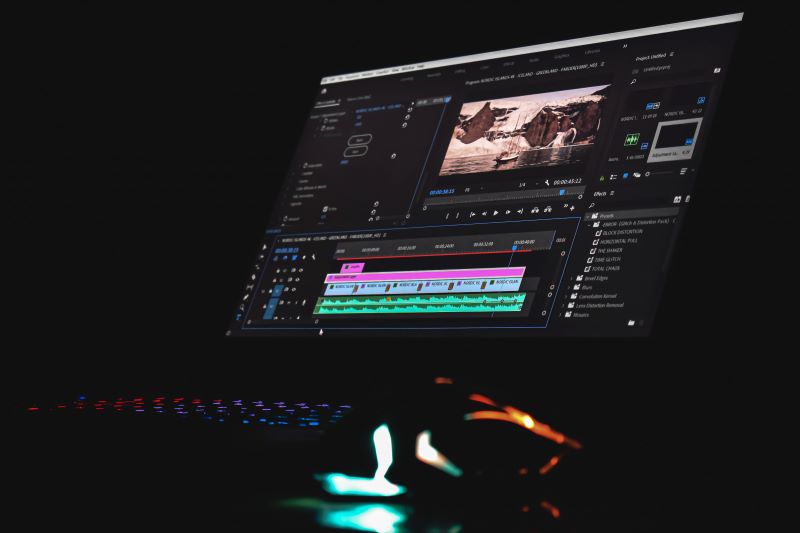
Get Brief Descriptions Of The Latest Features:
Get Brief Descriptions Of The Latest Features

  • Auto Beat Sync
  • Mask
  • Instant Mode

1. Auto Beat Sync:

It analyzes the music automatically and creates highlight videos for you. It allows you to choose the videos which are better without checking them all.

2. Mask:

It helps you to cover all the effects and make a unique and clear video. There is no sign of effects and tools which you will use. Nobody will know how you make such impressive and unique videos.

3. Instant Mode:

It helps you to provide a complete template video. You can quickly find a nice video from your media.

Reviews And Ratings:

People love using Filmora because of its features and qualities. You can learn video editing without any hassle or any classes. You can learn editing by just watching videos and with regular practice.

Many teachers, students, YouTubers, Social media influencers, and many more are using Filmora regularly and are happy with the results they get. You can become a professional editor by just using Filmora.

You don’t need any previous experience to use Filmora and edit videos in Filmora. Many beginners are happily using Filmora and they like it that they become professional.

Why do you have to try Filmora?

You need to know the pros and cons which are given in Filmora and check them all for better understanding:

Pros:

  • Filmora comes with the best offers that allow you to get the best deals on plans and prices. You will get all these features at very awesome pricing.
  • Filmora offers you discounts on a flat fee which make it affordable for you and provide you best results.
  • Filmora is accessible from anywhere and anytime. You don’t have to worry about your location and privacy.

Cons:

Filmora doesn’t have complete access for users of features and tools. You can use limited sources as compares to other video editing software.

Is Filmora better than others?
Is Filmora better than others

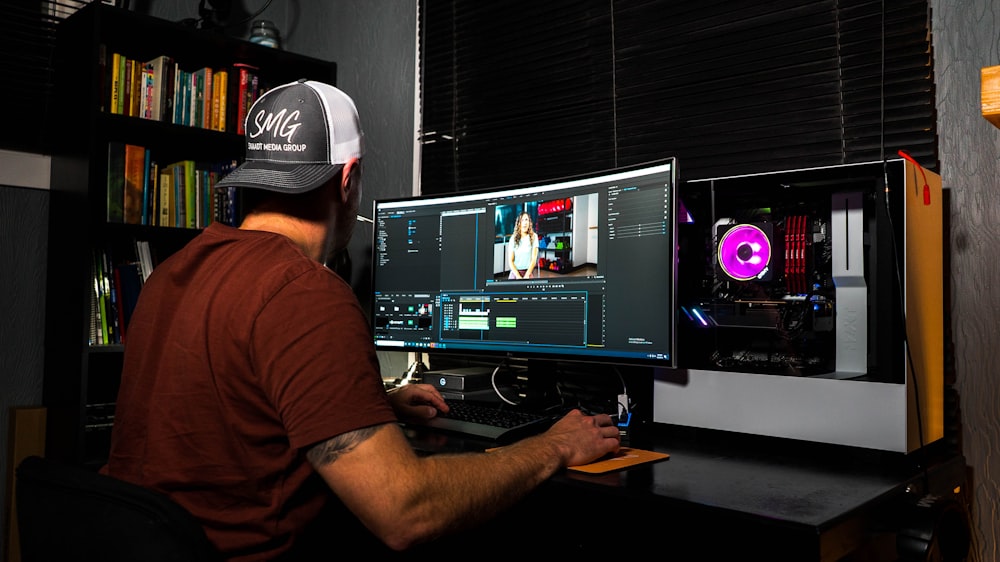
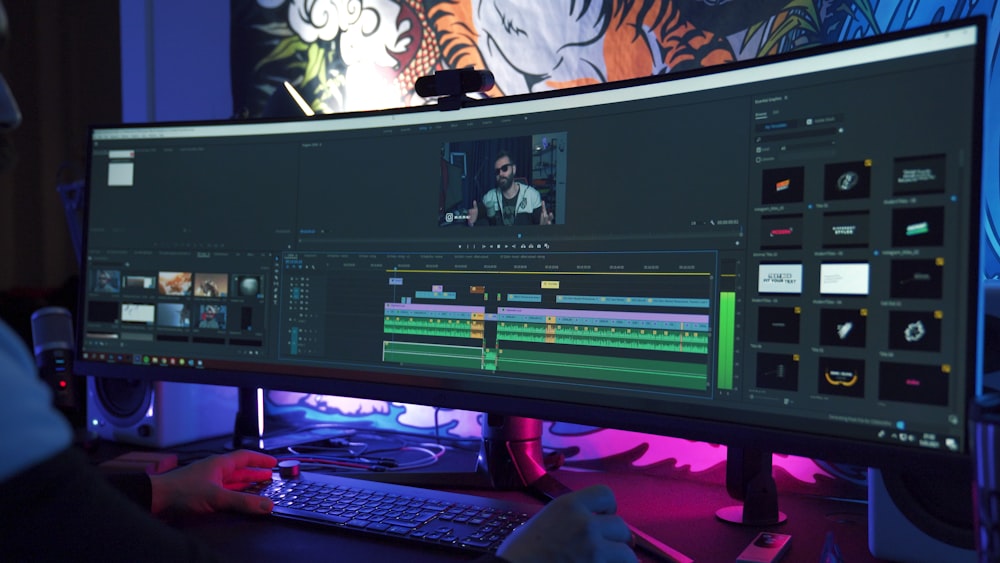
You can compare the features of Filmora with other editing software and you have to decide which one is best in 2022? You have to check all the features and benefits which are available in Filmora to make comparison easy.

Filmora has the best editing features which makes your video much more interesting and unique. You don’t need any previous knowledge to use Filmora for video editing.

Many people are there who are regularly using FIlmora without any worry. You can also compare the prices and plan with others to get better knowledge about which video editing software is best.

Price, Plan, and Download:

Filmora is available at different prices and plans. You can choose which one is suitable for you and which one you have to choose to get your access. You can choose a plan for personal and professional use. So, it all makes Filmora the best video editing software.

You can choose the plan that starts from US$28.98. Filmora is also available with a limited period offer which is the best deal for you to choose. You can make the decision today to start learning.

Download from here:

  • Windows
  • Mac
  • iPad

Conclusion:

Filmora is available with numerous benefits and you don’t have to waste your time and money on classes. You have to check all the details on Filmora and get your access.

You need to get the details and have to start using Filmora from today. Filmora helped many people in getting their desired editing in the video. You can edit any video very easily and make it more impressive for viewers.

You will get numerous options that allow you to get the best results for your video editing experience. Filmora is always there to help you in learning video editing easily. You must have to try it for once.

Read Also:
Arnab is a professional blogger, having an enormous interest in writing blogs and other jones of calligraphies. In terms of his professional commitments, He carries out sharing sentient blogs.

View all posts

Leave a Reply

Your email address will not be published. Required fields are marked *

Related

Measure Distance

How To Measure Distance Between Two Addresses?

Measuring the distance between two addresses is important for business and personal use. Several methods are available for measuring the distance between two addresses, whether you're trying to plan a delivery route, determine how far apart two properties are, or estimate your estimated arrival time for brunch. However, with an overwhelming amount of options, the next logical question is, "which method is best for your situation?" To determine this, you will need to answer some preliminary questions, including, "Am I measuring the driving distance between two addresses or a straight line distance?" and "Am I using exact addresses, coordinates, or city names?" This article will compare the different ways of calculating the distance between two addresses. Here Are 3 Prime Steps To Measure The Distance Between Two Addresses 1. Using GPS The first and most basic method is GPS, which provides a great way to get a general idea of distance and travel time. GPS devices use satellite technology to determine your location and the location of other points and can provide highly accurate distance measurements. Searchers can use GPS by entering the two addresses into the device and selecting "enter" or "go." The result will give the inquirer the distance between the two points and the estimated travel time. However, this method can be limited in accuracy, especially if the addresses are remote or the roads are not well-mapped. 2. Google Maps Google Maps is a convenient tool for measuring the distance between two addresses. To measure the driving distance, simply enter the addresses into the search bar and click on the "Directions" icon. Select the "Driving" option and "Get Directions" to display the route and total distance on the map. Using this method can be helpful when planning a road trip or estimating travel time. However, the driving distance displayed may differ from the actual mileage due to factors such as traffic and construction. Despite this, it can still be useful for measuring the driving distance between two points. 3. GIS Software GIS (Geographic Information Systems) software is a tool that allows users to analyze and visualize geographic data. GIS software typically includes a variety of tools for data management, spatial analysis, and mapping. GIS software can measure the distance between two locations in various ways, depending on the specific software and the available data. Some of these ways are: Measuring the straight-line distance between two points is often the most straightforward method, allowing users to use the "Measure Distance" or "Distance" tool, typically found in the toolbar or menu. Measuring the shortest path distance between two points can be used when the data includes information about the terrain or other features that affect the distance between two locations. Measuring the distance along a specific route can be used when the data includes information about roads or other transportation networks and can help determine the length along a particular way, such as the distance between two addresses on a map. The only caveat is that GIS software does not consider the terrain or other features that can affect the distance between two locations. Making Your Choice Before deciding, it is important to consider the type of distance measurement you need (driving or straight line) and the accuracy required before choosing a method. Weighing the pros and cons will help ensure that you are making the best decision for what you are hoping to achieve. Read Also: Pacman Google Maps – How To Play Pacman On Google Maps? 6 Essential Tips For Long-Distance Train Travel Tools Used in Building Surveying

READ MOREDetails
Best Laptops With Discount

Unveiling The Best Laptops With Discount: Budget-Friendly Options For Every Need

In today's fast-paced world, having reliable and efficient laptops is crucial for work, education, and entertainment. However, finding the perfect laptop that fits your needs and budget can be a challenging task. That's where Discount One comes in. As a leading online platform, Discount One scours various internet stores in India to curate thousands of discounted products, including a wide range of budget-friendly laptops. In this article, we will delve into the world of affordable laptops, showcasing the essence of finding the best laptop at a discounted price and highlighting the advantages of Discount One. About Budget-Friendly Laptops Budget-friendly laptops offer an ideal solution for individuals who want to strike a balance between performance, features, and affordability. These laptops cater to students, professionals, and casual users alike, providing cost-effective computing solutions for everyday tasks, such as web browsing, document processing, multimedia consumption, and light gaming. The Challenge Of Finding Affordable Options The laptop market offers a plethora of choices, making it overwhelming to navigate and find the best deals. Discount One simplifies this process by consolidating a vast selection of laptops from different online retailers in India. With Discount One's user-friendly search function, extensive inventory, and remarkable discounts, you can easily find the perfect laptop that meets your specific needs while staying within your budget. Discount One Discount One - your ultimate destination for discovering thousands of discounted products from various online stores in India. We take pride in our ability to find and gather a wide range of items with attractive price reductions, allowing you to save big on your favorite brands and products. It is the ultimate platform for budget-friendly laptops, offering several advantages to its users: Wide Range of Options: Discount One features a comprehensive collection of laptops encompassing various brands, models, and specifications. Whether you require a lightweight ultrabook, a powerful gaming laptop, or a reliable workstation, Discount One has something for everyone. With an extensive range of options, you can explore and select the laptop that perfectly aligns with your requirements. Unbeatable Discounts: Discount One is committed to providing the most substantial discounts in the market. Through partnerships with multiple online retailers, the platform ensures that you can enjoy significant savings on your laptop purchase. These attractive discounts make high-quality laptops more accessible, empowering individuals from all walks of life to experience the benefits of modern computing without straining their finances. Examples Of Budget-Friendly Laptops To provide a glimpse into the range of budget laptops available through Discount One, here are a few examples: Lenovo E41-55 The Lenovo E41-55 is a compact and efficient laptop designed for everyday use. Powered by an AMD Athlon A3050U processor with a base speed of 2.3 GHz (max speed of 3.2 GHz) and 2 cores, this laptop offers reliable performance for daily tasks. Furthermore, it features 4GB DDR4 RAM clocked at 2400 MHz, providing smooth multitasking capabilities. With a storage capacity of 256GB SSD, you have ample space to store your files and applications. The laptop comes with a 14-inch HD display, offering a resolution of 220 Nits and an antiglare coating. This ensures comfortable viewing and reduces eye strain, even in brightly lit environments. Thus, the integrated AMD Radeon Graphics delivers decent visuals for multimedia consumption and light gaming. Read Also: Should You Buy The Lenovo Ideapad 330-15 AMD? All Details Here Lenovo V15 The Lenovo V15 is a powerful and versatile laptop designed for productivity as well as multitasking. Equipped with an AMD Ryzen 3 5300U processor, featuring a base speed of 2.6 GHz (max speed of 3.8 GHz) and 4 cores, this laptop provides excellent performance for demanding tasks.  With 8GB DDR4 RAM clocked at 3200 MHz (expandable up to 16 GB), it offers smooth multitasking capabilities and efficient data processing. The laptop features a spacious 15.6-inch Full HD display with a brightness of 250 nits and an antiglare coating. Thereby ensuring a comfortable viewing experience with reduced eye strain. ASUS VivoBook 15 ASUS Vivo Book 15 has an 11th Gen Intel Core i3-1115G4 processor with a base speed of 3.0 GHz (max turbo speed of 4.1 GHz) and 2 cores. The following laptop provides smooth performance for everyday tasks and multitasking. With 8GB DDR4 onboard memory, the VivoBook 15 ensures efficient data processing and seamless multitasking capabilities.  The laptop also features a generous 512GB M.2 NVMe PCIe 3.0 SSD. They offer adequate storage space for your files, documents, and also multimedia. It ensures fast data access in a shorter time. The VivoBook 15 sports a 15.6-inch Full HD OLED display with a resolution of 1920 x 1080 pixels, delivering vibrant colors and deep blacks. Conclusion Finding a budget laptop that meets your needs and provides optimal performance is no longer a daunting task, thanks to Discount One. With a wide range of options, unbeatable discounts, and a user-friendly interface, Discount One is the ultimate destination for finding the best laptops at discounted prices in India. Experience the convenience and affordability of acquiring a high-quality laptop that suits your requirements. So, visit Discount One today and unlock a world of budget-friendly laptops tailored to your needs. More Resources: How to Unlock HP Laptop if you Forgot Login password? Factory Refurbished Laptops: Why Would You Buy New?

READ MOREDetails
Outdoor AC Unit

Things to Consider Before Relocating the Outdoor AC Unit

In some situations, relocating your outdoor AC unit sounds like a good idea. Perhaps it is in the way of some landscaping project you have in mind, or it is too close to the window, causing some noise, or you simply want to have it moved for aesthetical reasons. Whatever your reason is, there are two things you need to be aware of. Yes, it is possible to move your outdoor AC unit, and you really need to consult HVAC professionals before doing anything about it. We reached out to some experienced HVAC experts and asked them to share some insights into this topic. The Relocation Isn’t Easy Here’s the problem with relocating your AC unit – it’s not as simple as unplugging an appliance and moving it to a different place and plugging it back in. There are some parts of the HVAC system which are hardwired in your home and changing that may require a lot of work on your home. So, before you definitely decide that you want to go for it, consider other options, like integrating the unit in your landscaping design or building a small fence around the unit at a reasonable distance from the unit itself. Sensitive Equipment One of the biggest problems with relocating your AC unit is certainly all of the sensitive equipment inside the unit itself. Not only are the fins of the condenser very thin and can easily be bent and damaged, but there is a lot more inside the unit that you may not be aware of. The refrigerant inside the condenser needs to be kept level in order to work properly, and some of the cables and lines, and especially the pump, are very fragile and need to be approached with care and expertise. How It’s Done If you have made up your mind and want to relocate your unit despite the difficulties, you will need to prepare your home and backyard first. As mentioned above, the outdoor HVAC unit needs to be level in order to function properly. That means that you will need to prepare the place where you expect your unit to sit. Most experts will recommend leveling the ground and using a cement to ensure that the new location is flat and sturdy enough to support the hefty unit. However, as long as you can achieve the flat surface for the unit, it is not necessary to use cement. There is also a matter of rerouting all of the hoses and pipes going from your house to the outdoor unit. In some cases, it can be fairly simple and straightforward, but if you are moving your unit a considerable distance, you may need to do some more extensive work on your home. You Do Need HVAC Experts In order to relocate your unit successfully and safely, you will need an HVAC technician to do it. Before you can do anything, you will need to pump out the refrigerant from the unit – something only a qualified HVAC expert can do safely. The other reason why you shouldn’t handle this task on your own is the electricity – you will need to disconnect and reconnect the unit once it has been moved. If you’re not a qualified electrician, the chances of you doing this right are not very good. Finally, once the unit has been relocated, you will need to inspect the unit and ensure that everything is working fine and that all of the connections are done correctly. Of course, the only person who can tell you that is a certified HVAC technician. Consulting an expert before you go into a project can be very valuable, especially if you are operating under a strict budget. Read Also: 13 Ways to Maintain the Coolness of Your Air Condition Unit Here’s What Makes Package Units Better than the Other ACs How To Become A Certified HVAC Technician In Canada

READ MOREDetails